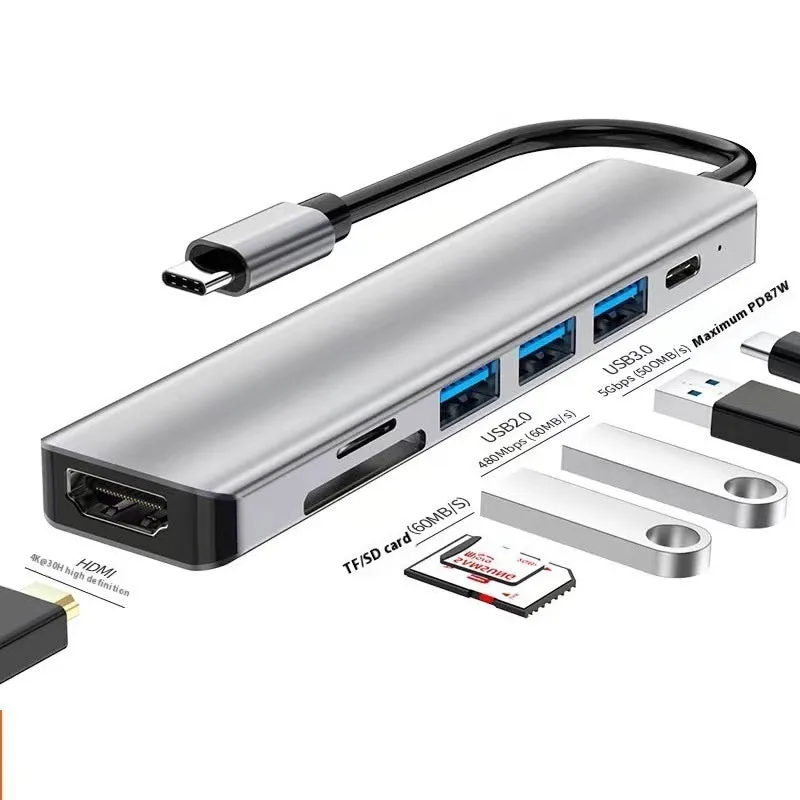
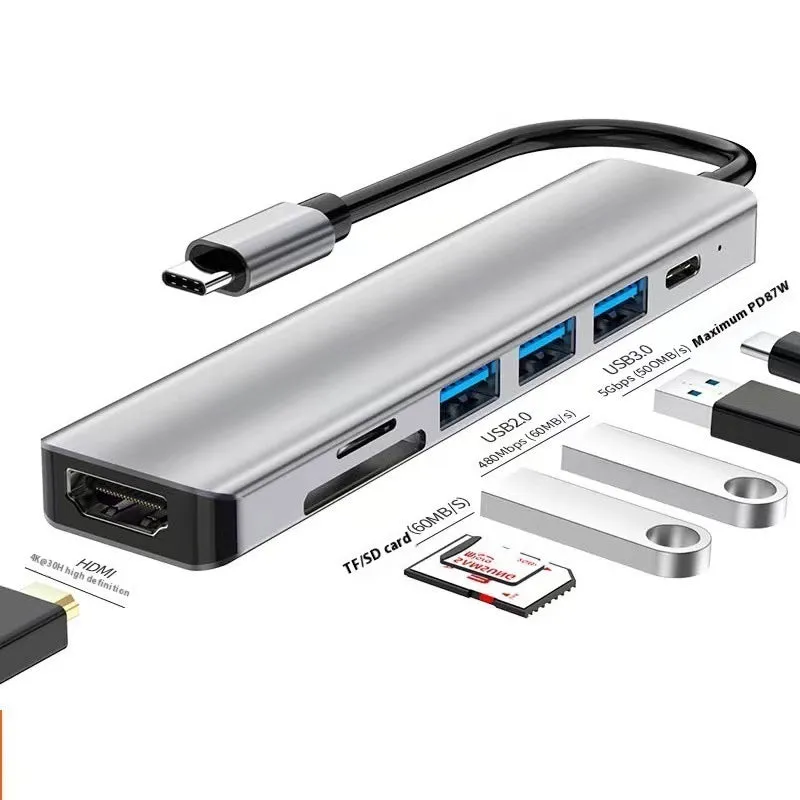
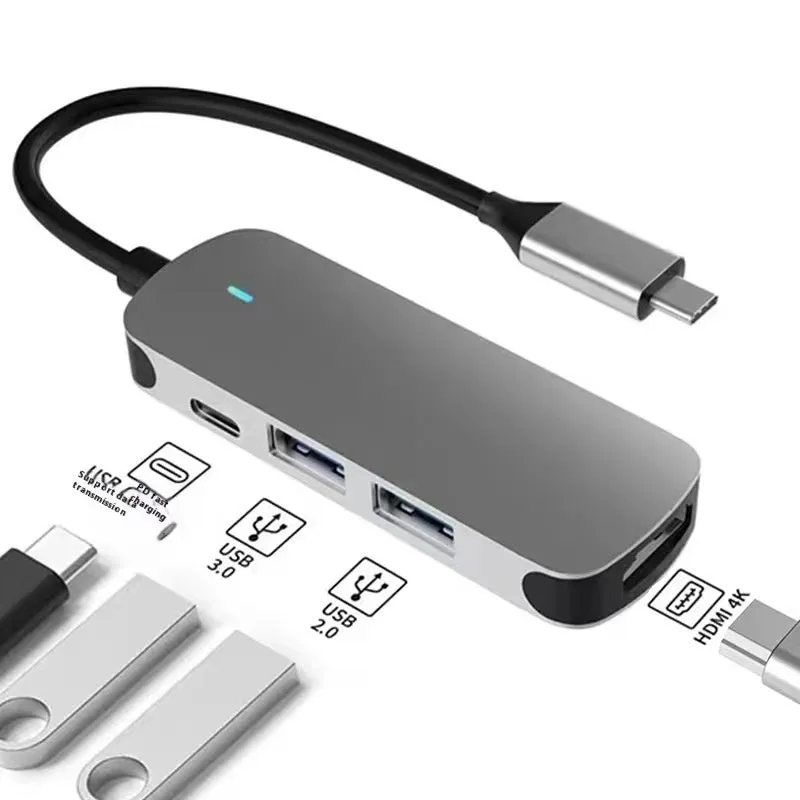
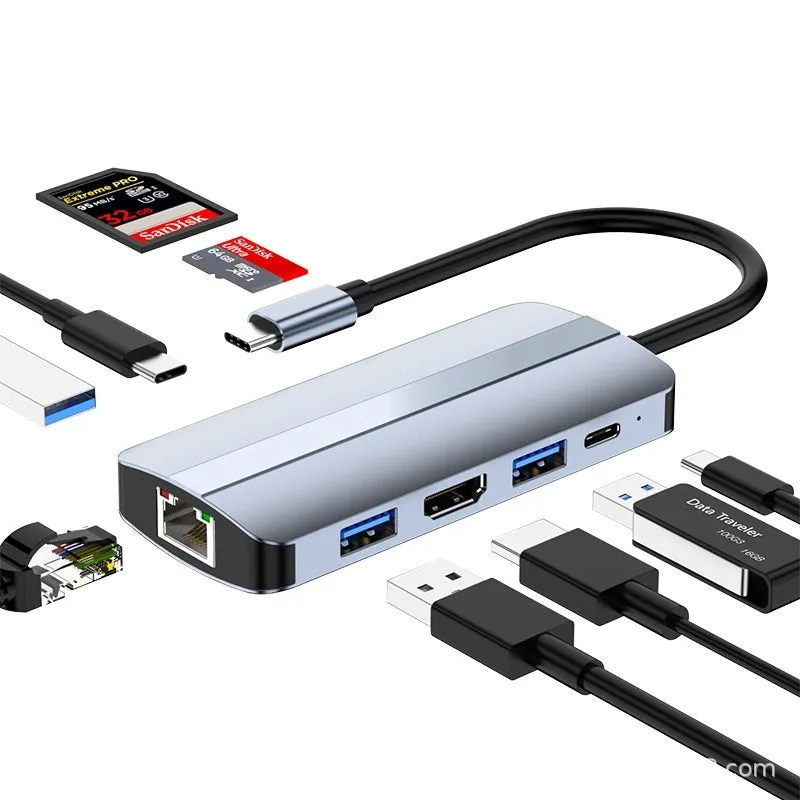
USB-C 7-in-1 Expansion Dock with HDMI projection capability, USB 3.0 hub, and multi-function cable separation for laptops, tablets, and smartphones, featuring a 15cm cable length for flexible desk organisation and connectivity expansion


USB-C 7-in-1 Expansion Dock with HDMI projection capability, USB 3.0 hub, and multi-function cable separation for laptops, tablets, and smartphones, featuring a 15cm cable length for flexible desk organisation and connectivity expansion
USB-C 7-in-1 Expansion Dock with HDMI Projection and 15cm Cable for Flexible Connectivity Solutions
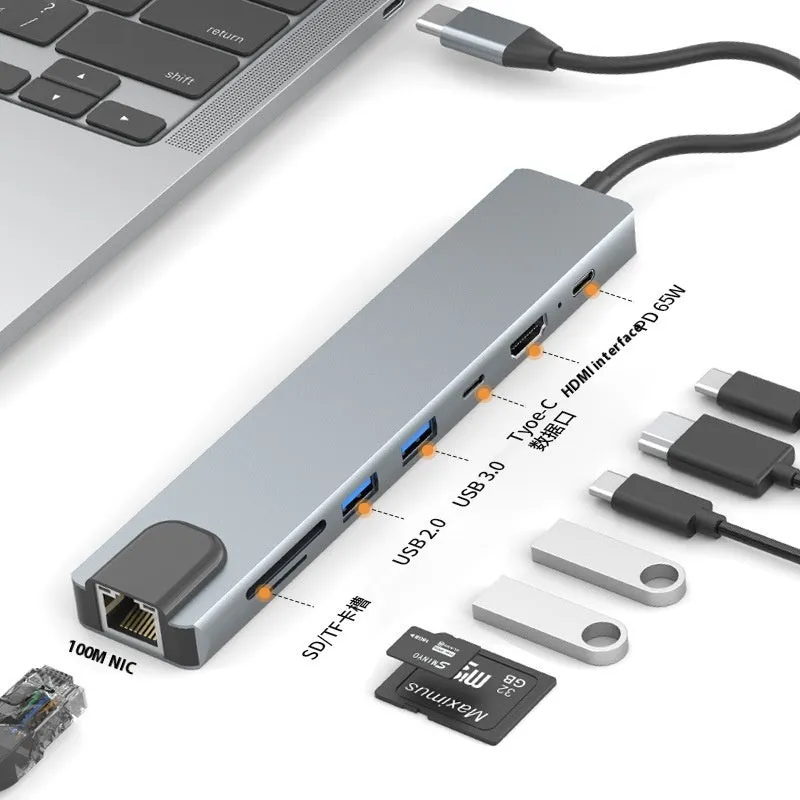
Modern laptops and tablets increasingly rely on USB-C ports for both power and data transfer, often leaving users with insufficient connectivity options for essential peripherals. This 7-in-1 expansion dock addresses this limitation by transforming a single Type-C port into a comprehensive workstation hub. The device bridges the gap between streamlined device design and practical connectivity needs, offering HDMI projection capabilities alongside USB 3.0 ports and cable separation features. With its 15cm cable length, the dock provides flexible placement options while maintaining a tidy desk environment.
Features and Construction
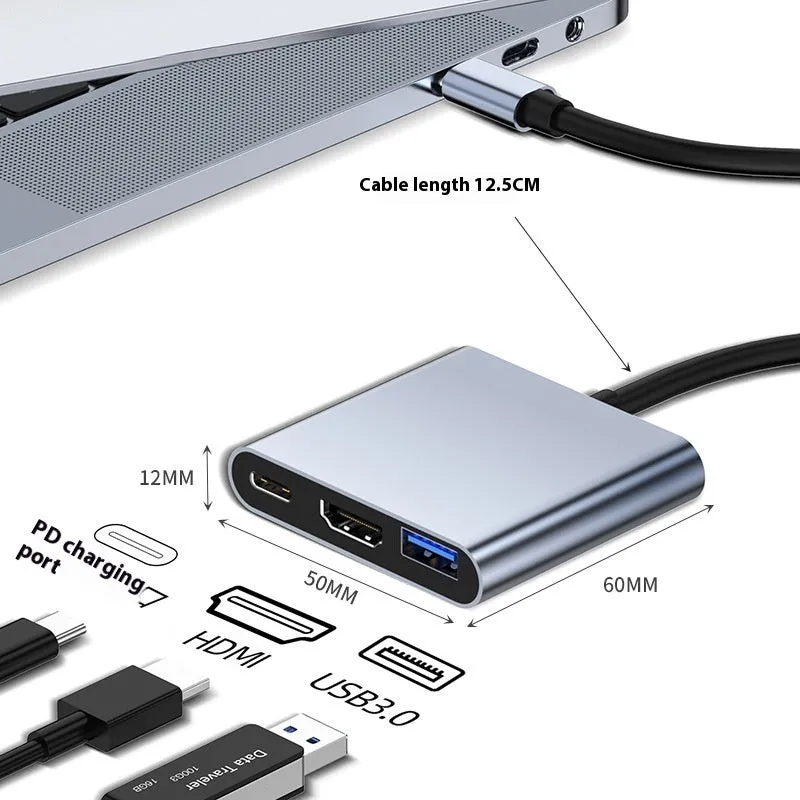
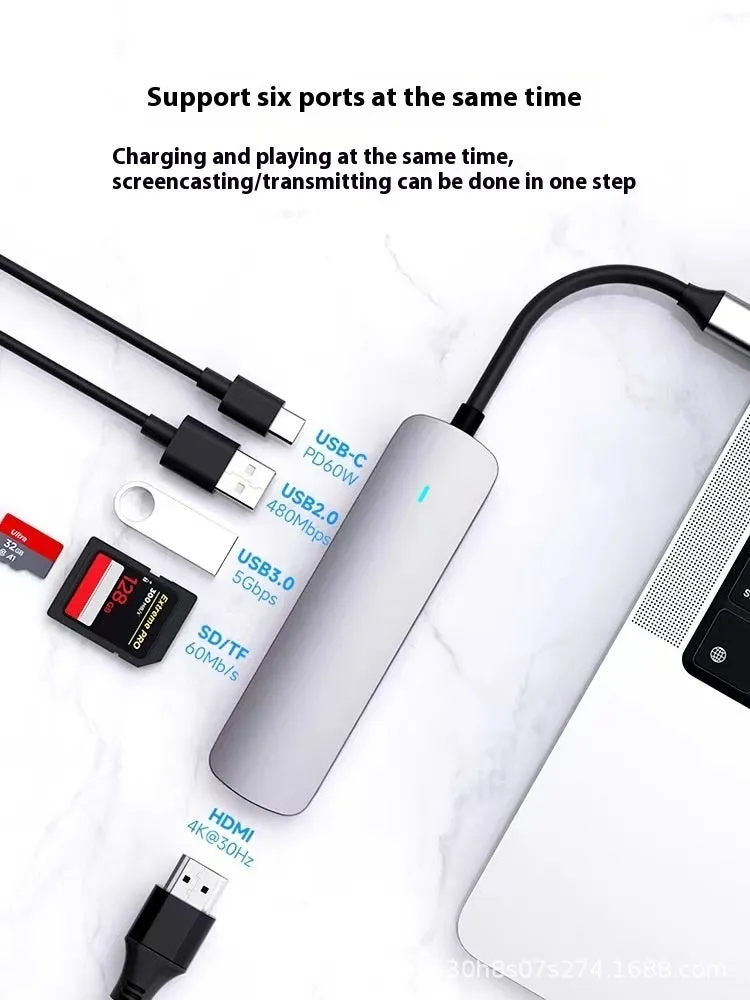
The expansion dock's functionality centres around its multi-port design, which allows simultaneous connection of various devices through a single host port. This consolidated approach reduces cable clutter while expanding practical connectivity options for everyday computing tasks.
Material and Build
Constructed with engineered plastics, the housing provides durable protection for internal components while maintaining a lightweight profile. Copper conductors ensure reliable data transmission between connected devices, supporting the USB 3.0 standard's transfer speeds. The Type-C connector features a reversible design that simplifies connection to compatible laptops, tablets, and smartphones without orientation concerns.
Size and Practical Fit
With a 15cm connecting cable, the dock offers placement flexibility that accommodates different desk configurations and device arrangements. This cable length allows the hub to sit conveniently near frequently used peripherals while maintaining connection to the host device. The multi-function splitter design organises multiple cables into a single connection point, creating a more streamlined workspace.
Uses and Placement
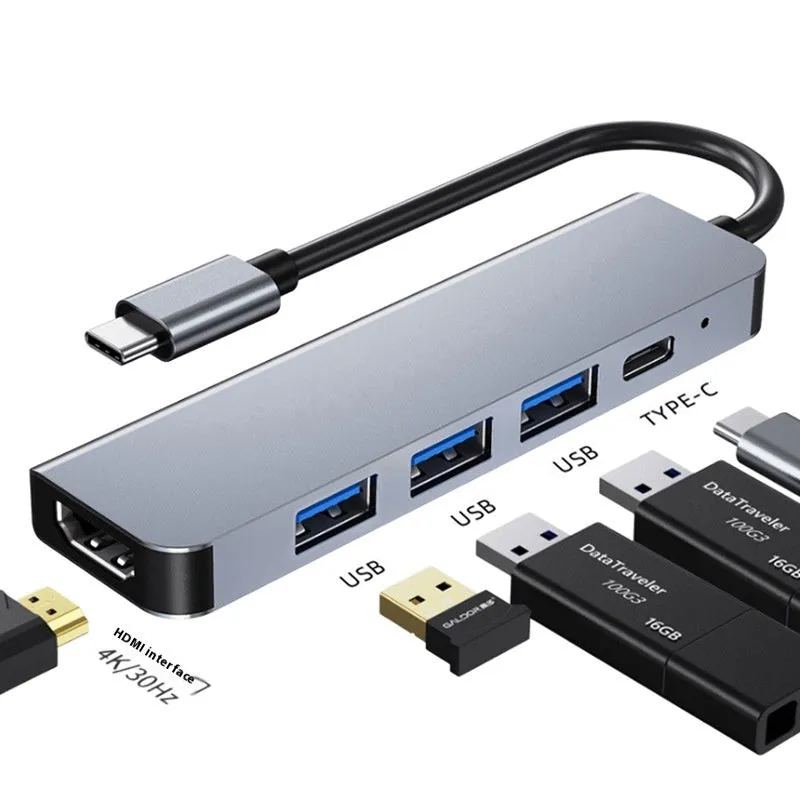
The expansion dock serves multiple roles in both professional and personal computing environments, adapting to various connectivity requirements through its configurable interface options.
Event or Professional Use
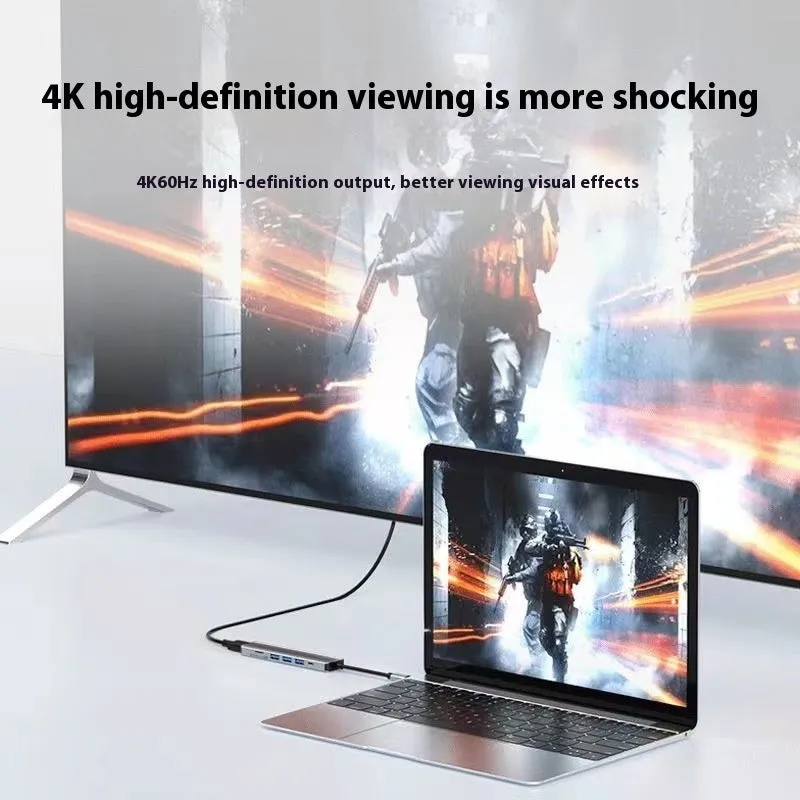
For presentations and collaborative work sessions, the HDMI projection capability allows connection to external monitors, projectors, or large-screen displays. This feature transforms tablets or slim laptops into effective presentation tools in meeting rooms, classrooms, or conference settings. The USB 3.0 ports facilitate quick data transfer between devices during time-sensitive professional tasks.
Everyday Home Use
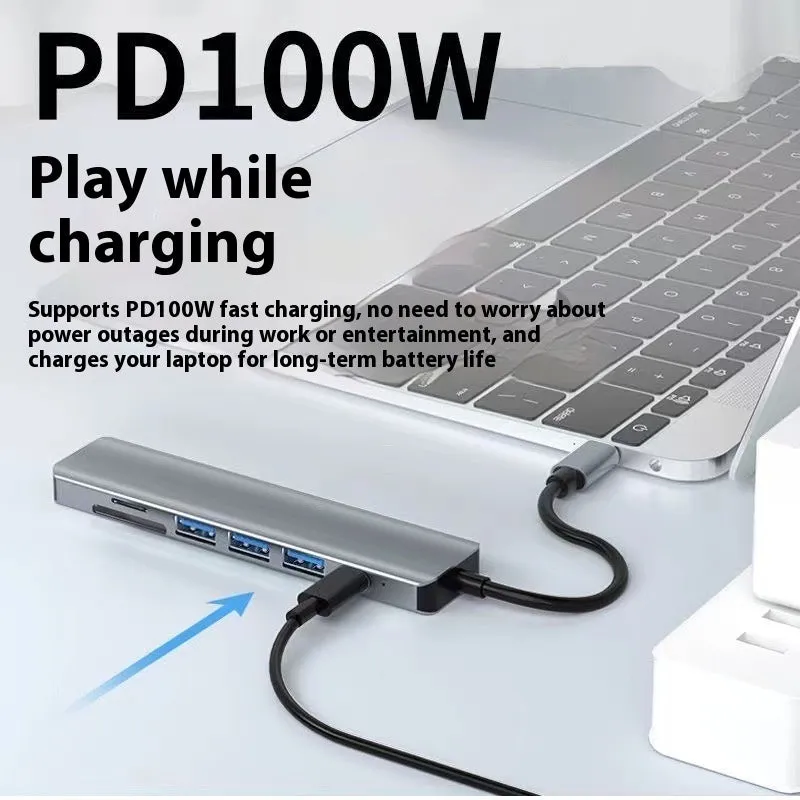
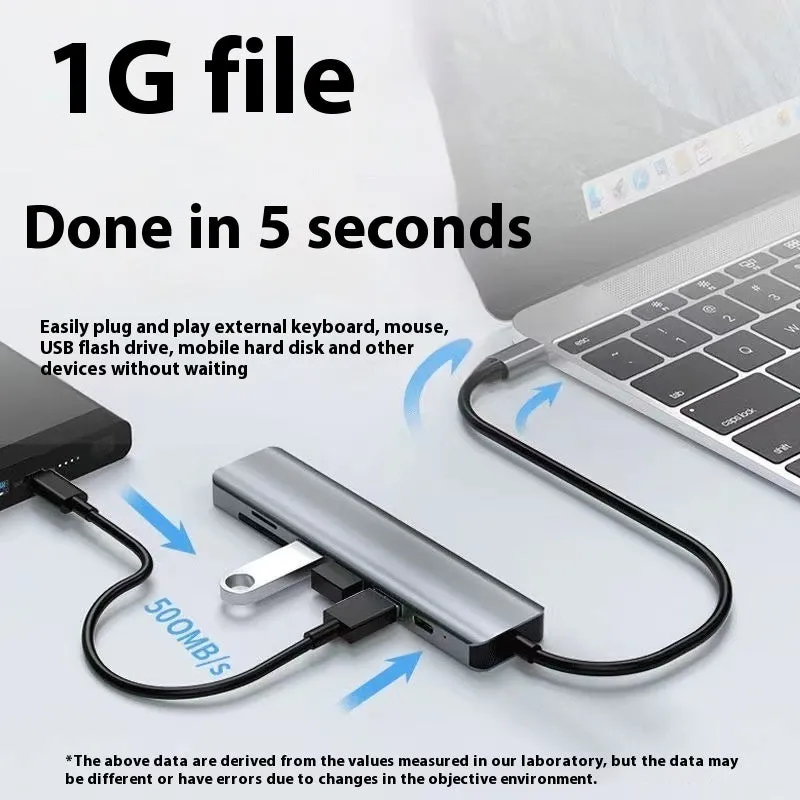
In home office or study environments, the dock creates a permanent connectivity station for frequently used peripherals like external storage, keyboards, mice, and charging cables. The cable separation feature helps organise multiple devices that might otherwise create tangled cable situations on home desks or workspaces.
Benefits and Buying Value
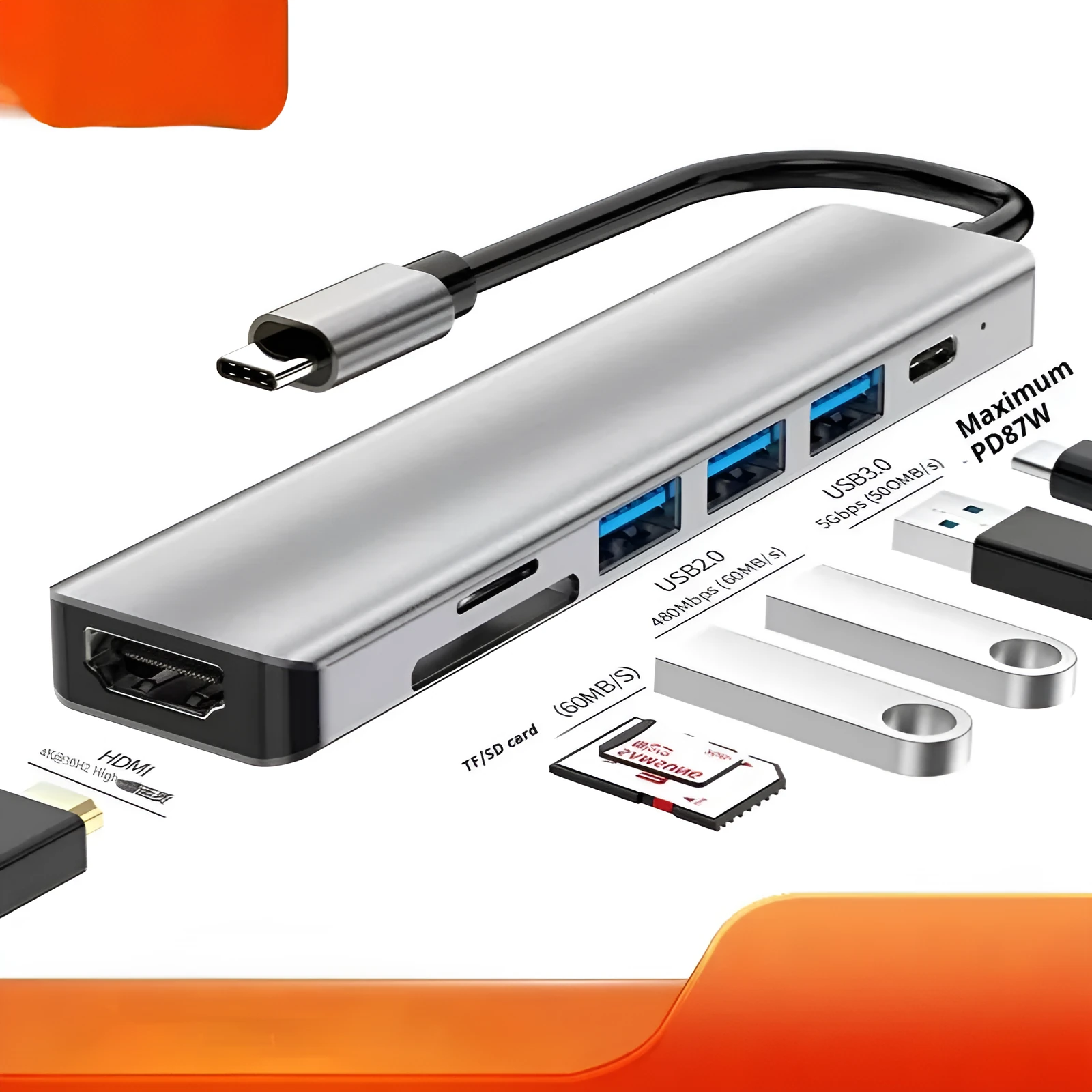
The expansion dock delivers practical advantages through its multi-function approach to device connectivity, addressing common limitations of modern computing hardware.
Reuse and Low Maintenance
As a standalone docking solution, the hub maintains compatibility with future devices that feature USB-C connectivity, extending its useful lifespan beyond current hardware generations. The simple plug-and-play functionality requires no software installation or complex configuration, making it accessible for users with varying technical expertise.
Why Choose This Product
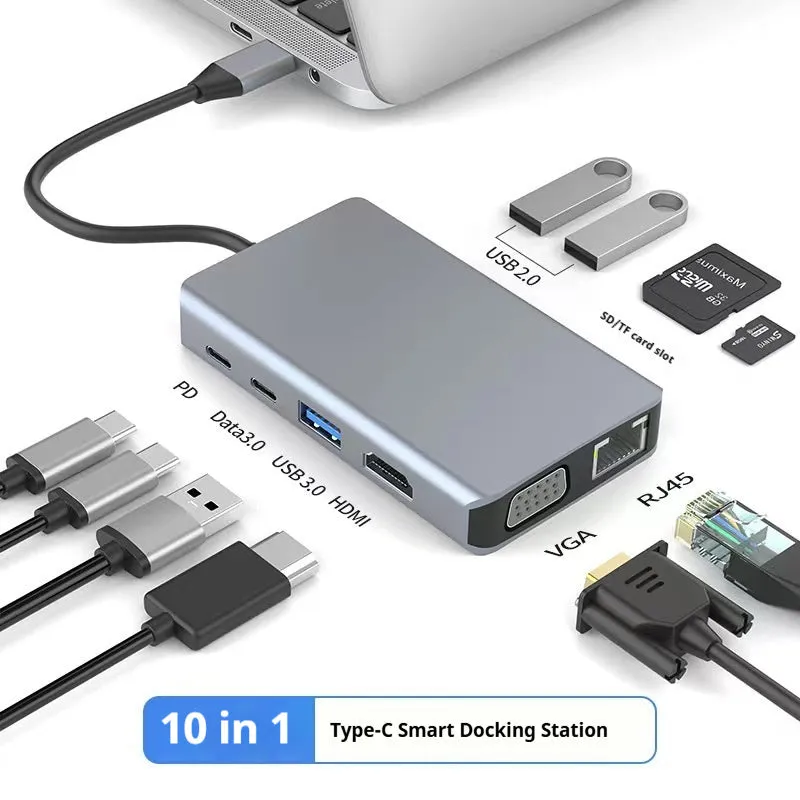
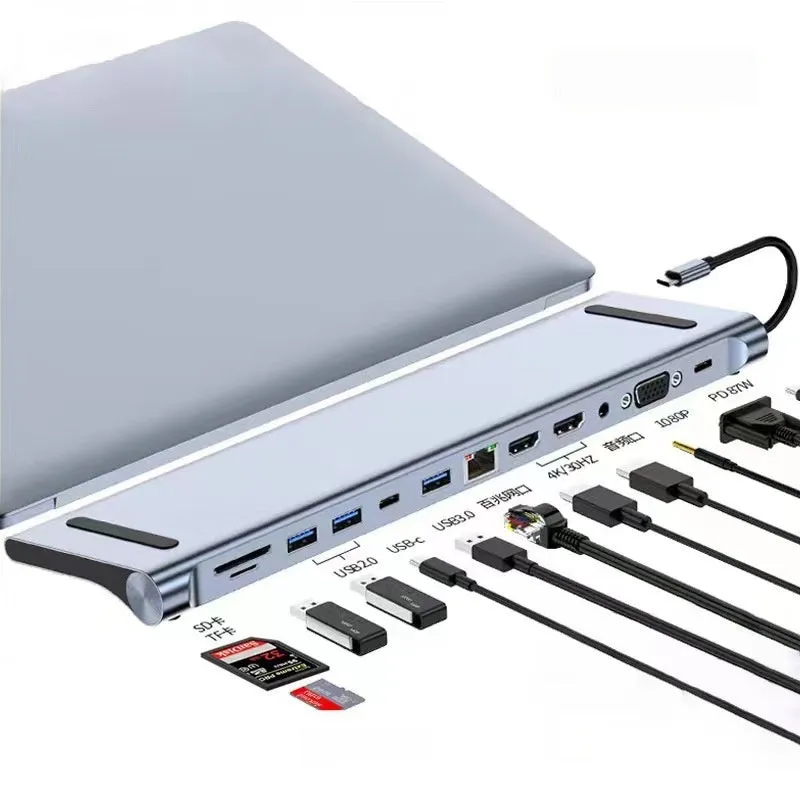
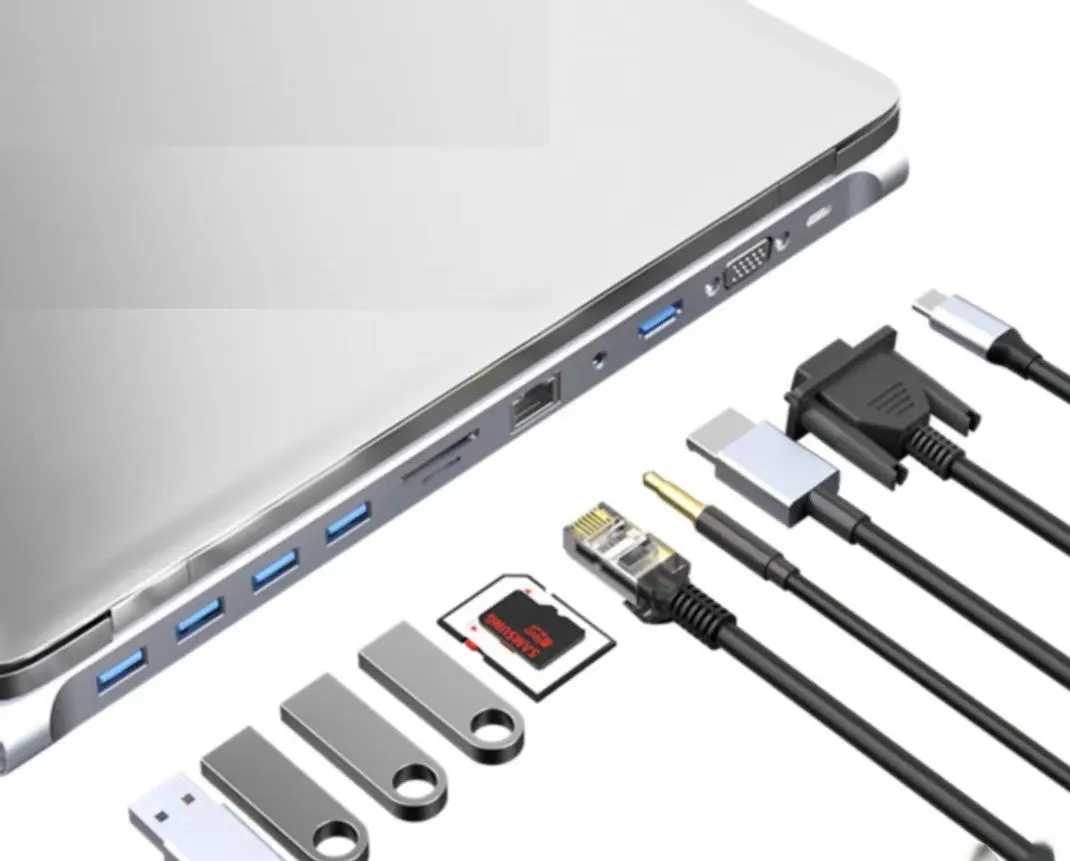
This 7-in-1 configuration offers a balanced selection of essential ports that covers most common connectivity needs without overwhelming users with excessive, rarely-used options. The configurable interface support, ranging from 3-in-1 to 12-in-1 variations, allows selection based on specific peripheral requirements rather than accepting a fixed, possibly inadequate configuration.